One membership. Your indicator + the complete AI toolkit. Explore access

BUILT FOR YOUR TRADINGVIEW CHART

Less chart clutter.
More clarity.

Bring possible entries, trend direction, and trade levels into focus.
Your TradingView indicator and AI toolkit, together in one membership.

All plans include the complete toolkit Card or crypto

TradingViewBuilt for the charts you already use
FOREXCRYPTOGOLDINDICESSTOCKSCOMMODITIES

SEE THE DIFFERENCE

Bring structure to
your next decision.

Explore the indicator

Keep signals, trend direction, and key price areas in one view, so you can spend more time studying the setup.

  • Possible BUY & SELL signals
  • Take-profit & stop-loss levels
  • TradingView alerts
  • Dynamic key levels
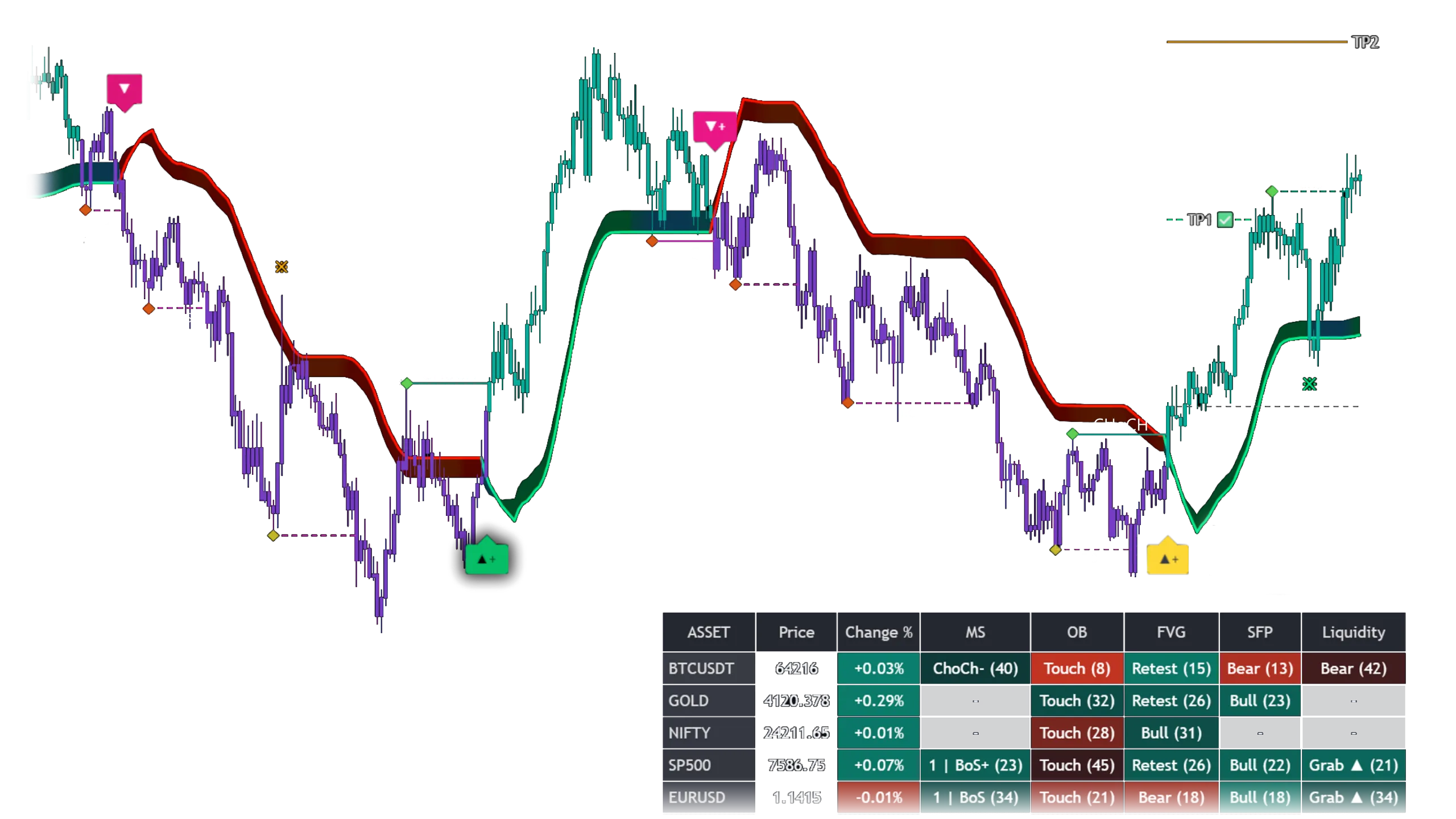
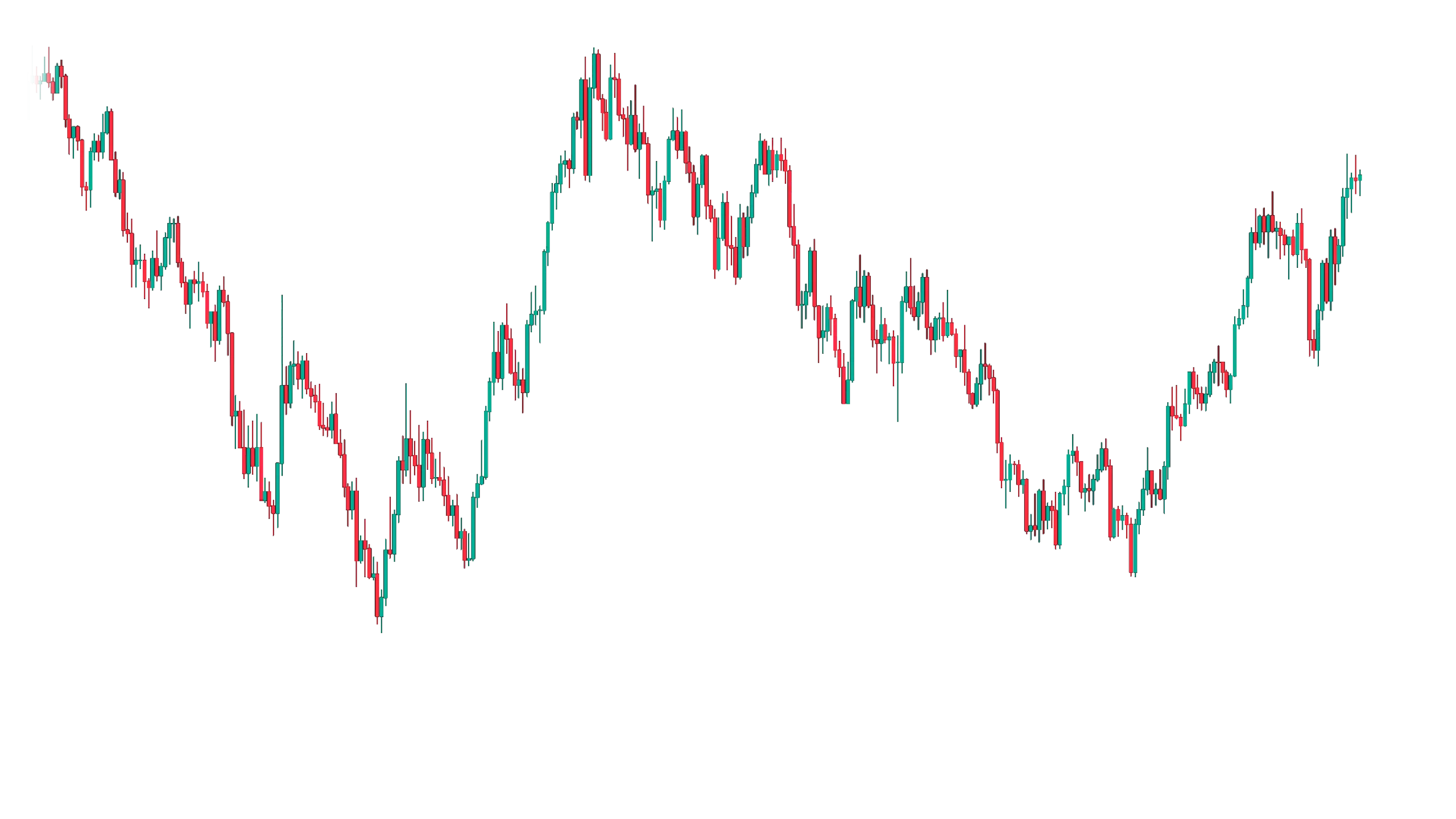
Chart with indicator signals, trend overlays, and market screenerThe same price chart without indicator overlaysWithout indicatorWith indicator

Drag to compare a chart with and without the supplied indicator overlay. Illustrative chart example.

FROM THE COMMUNITY

Real traders. Shared experiences.

A closer look at the screenshots shared by traders.

Customer-submitted screenshots are shown as provided and are not independently verified. Individual experiences vary. Profit screenshots are not typical results or a promise of future performance.

A CLEARER PICTURE

Built for traders who want clarity.

Structure, direction, and trade levels. A more connected view of your chart.

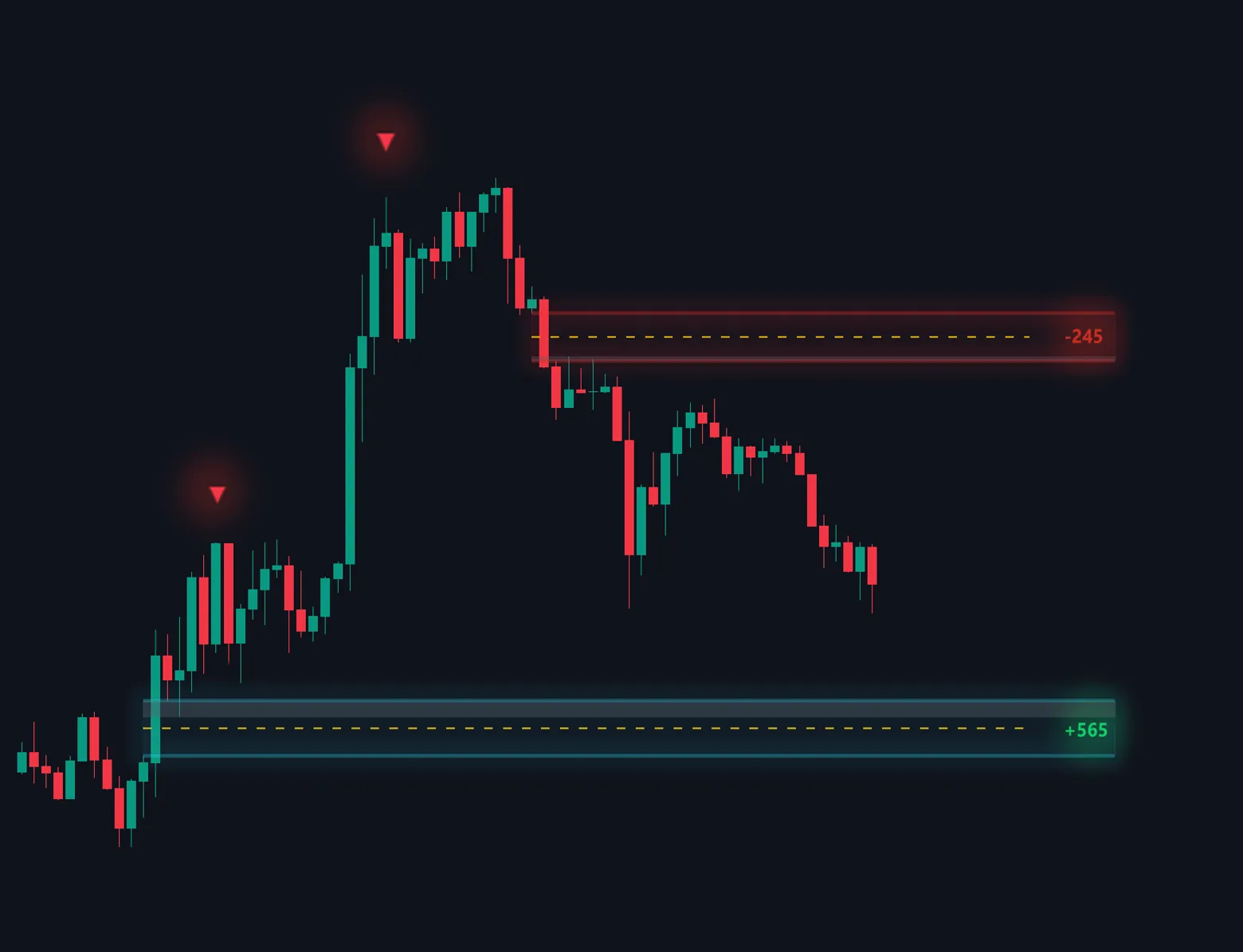
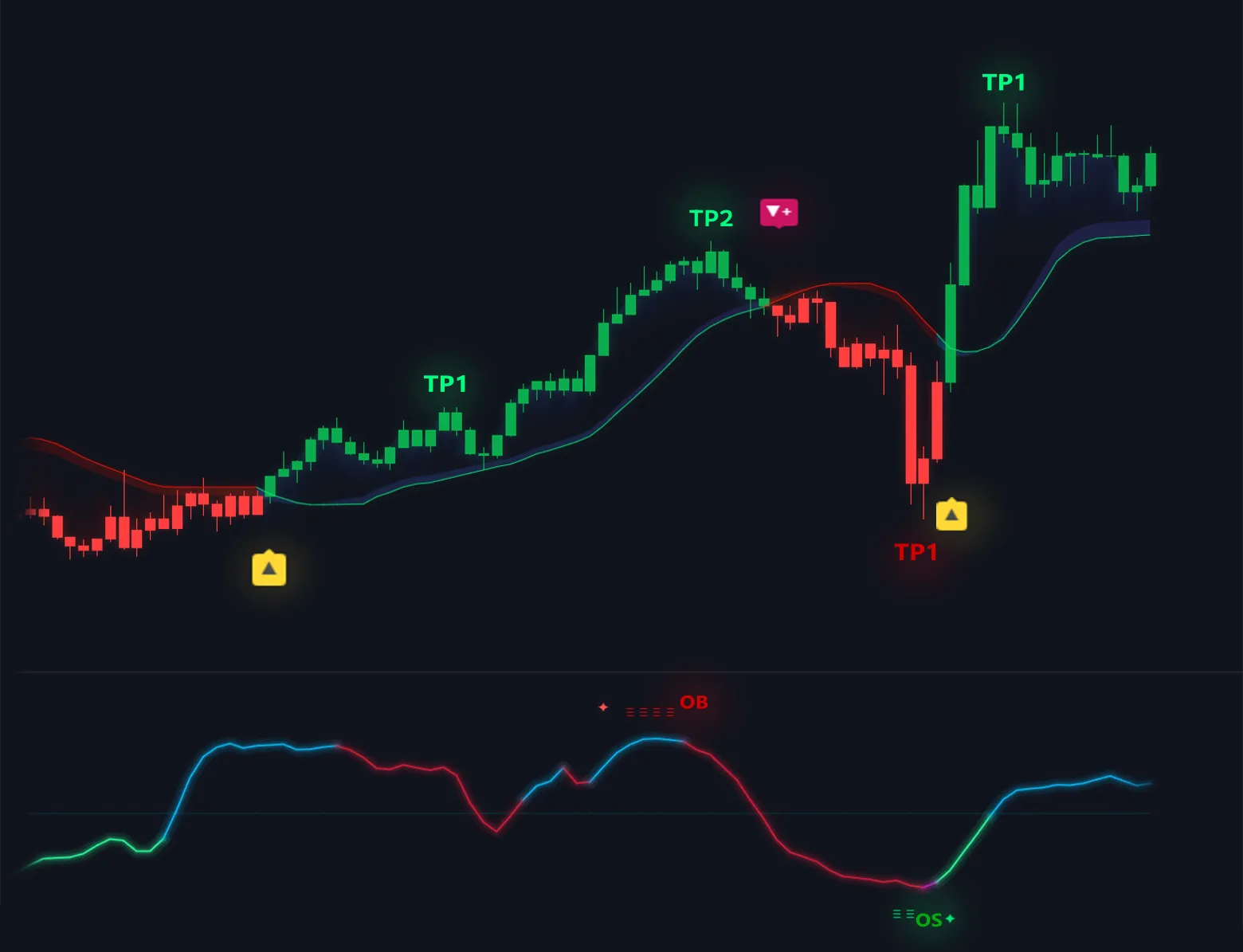
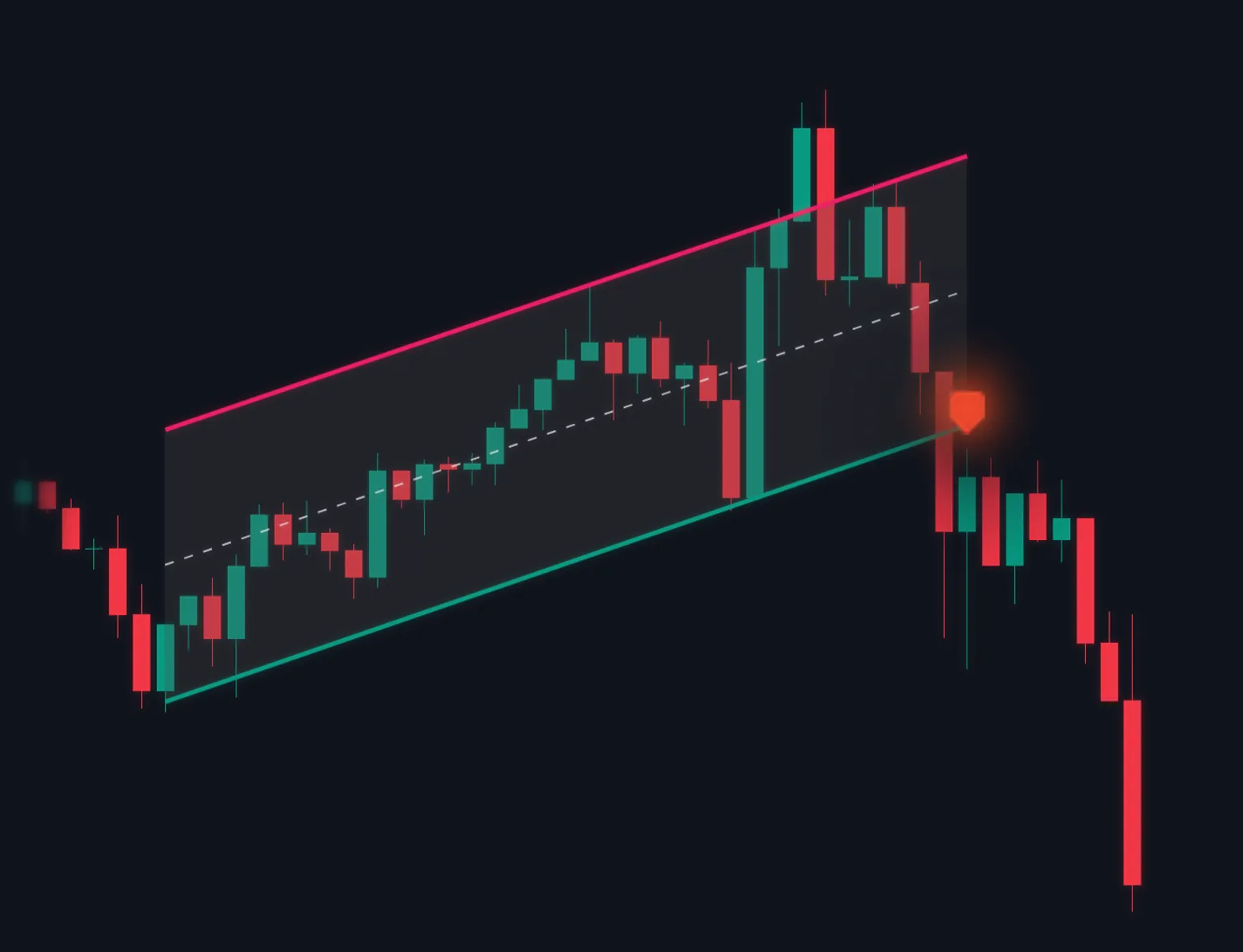
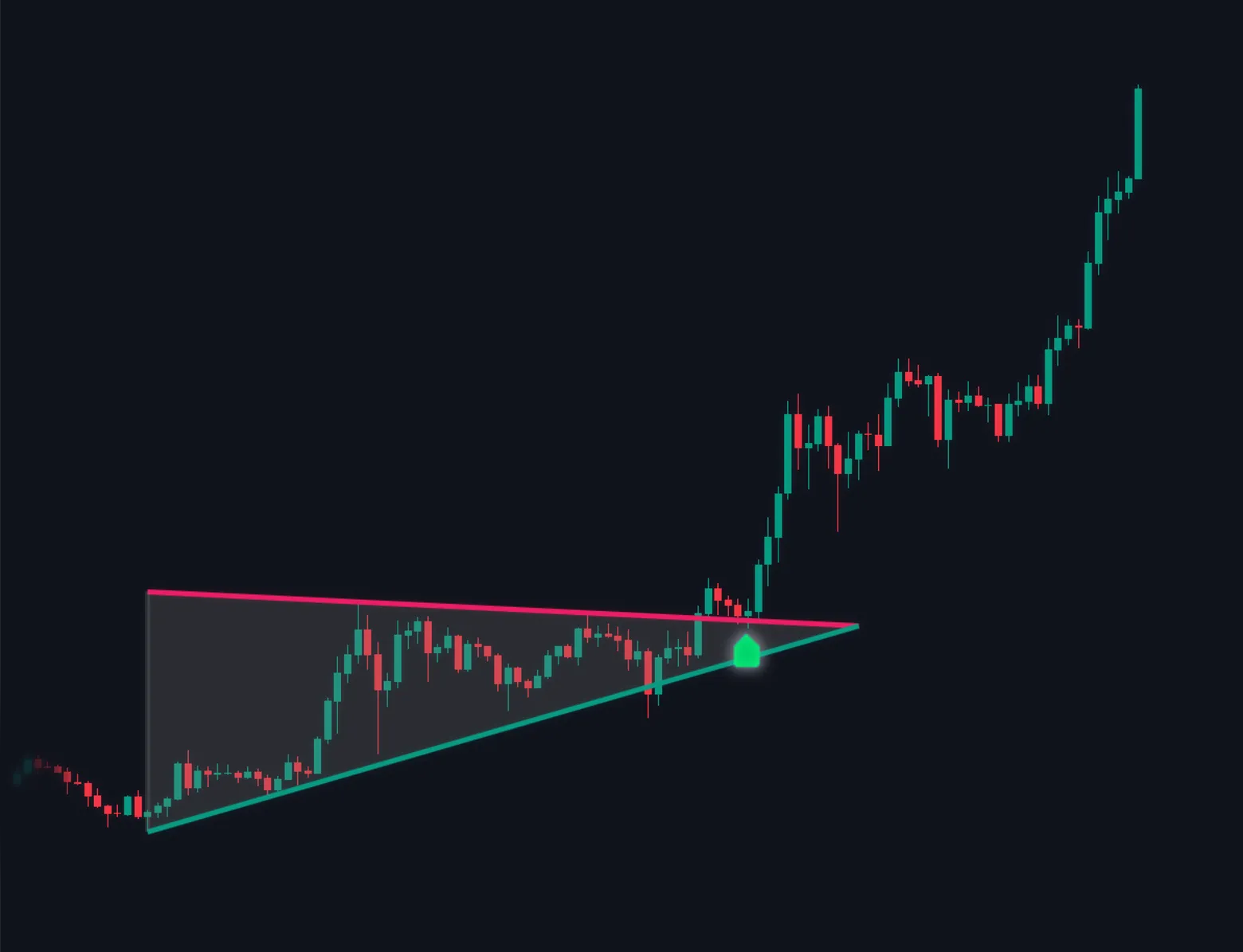
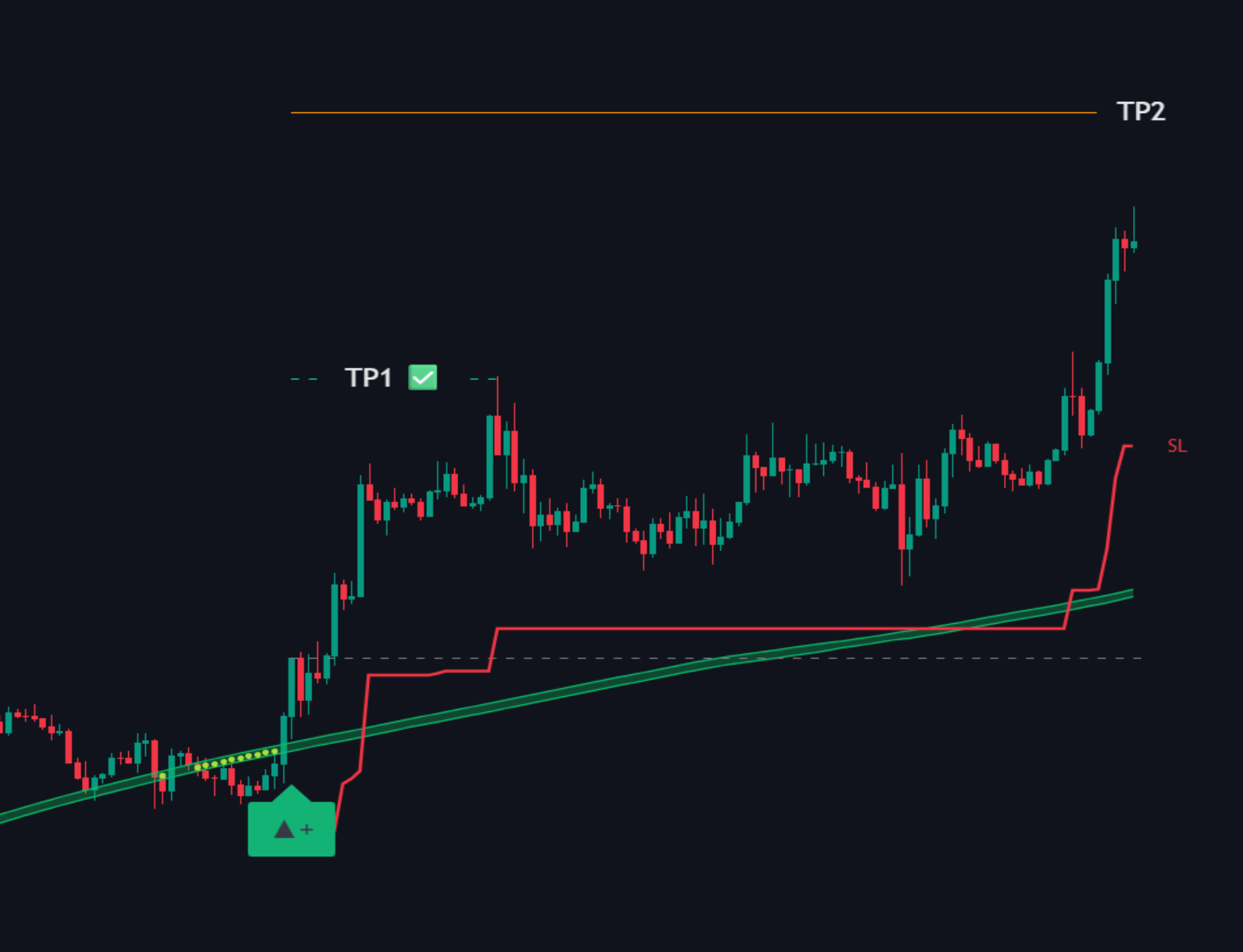
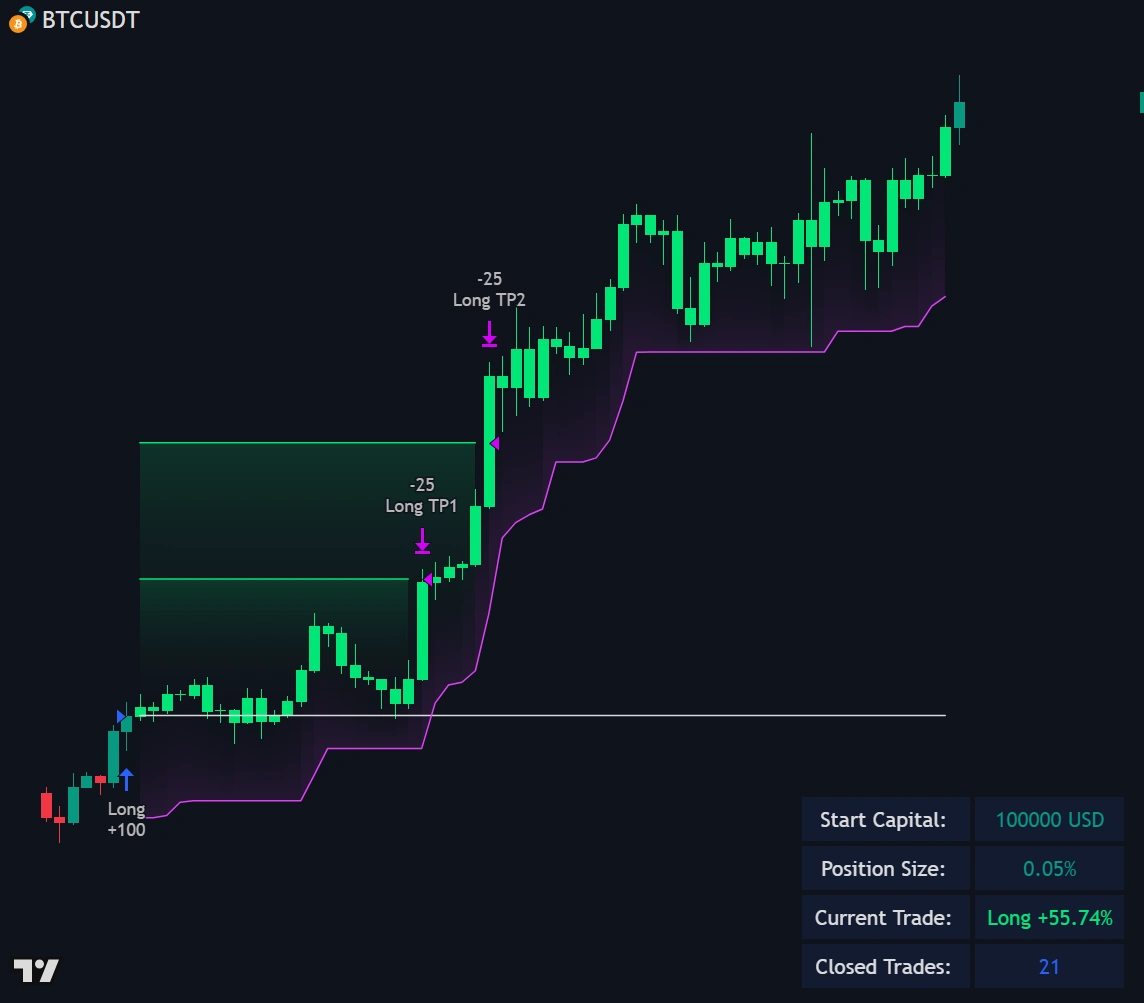
Supplied chart example showing a trend overlay, potential entry, and take-profit levels

TREND & TRADE LEVELS

See the setup.
Keep the context.

Bring possible entry signals, trend direction, and structured TP/SL levels together, directly on your TradingView chart.

Less switching between tools. More room to evaluate your next decision.

Find your plan
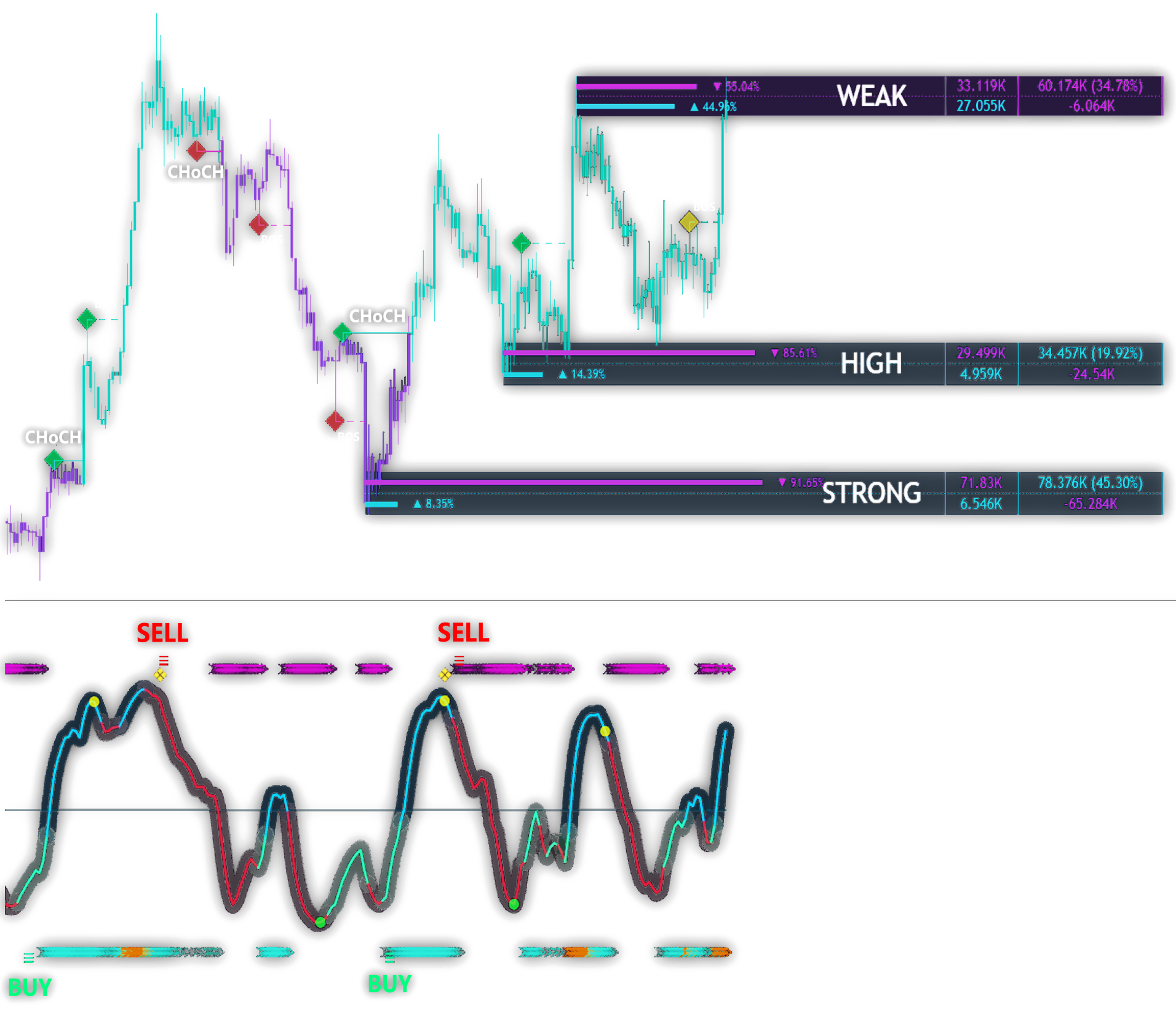
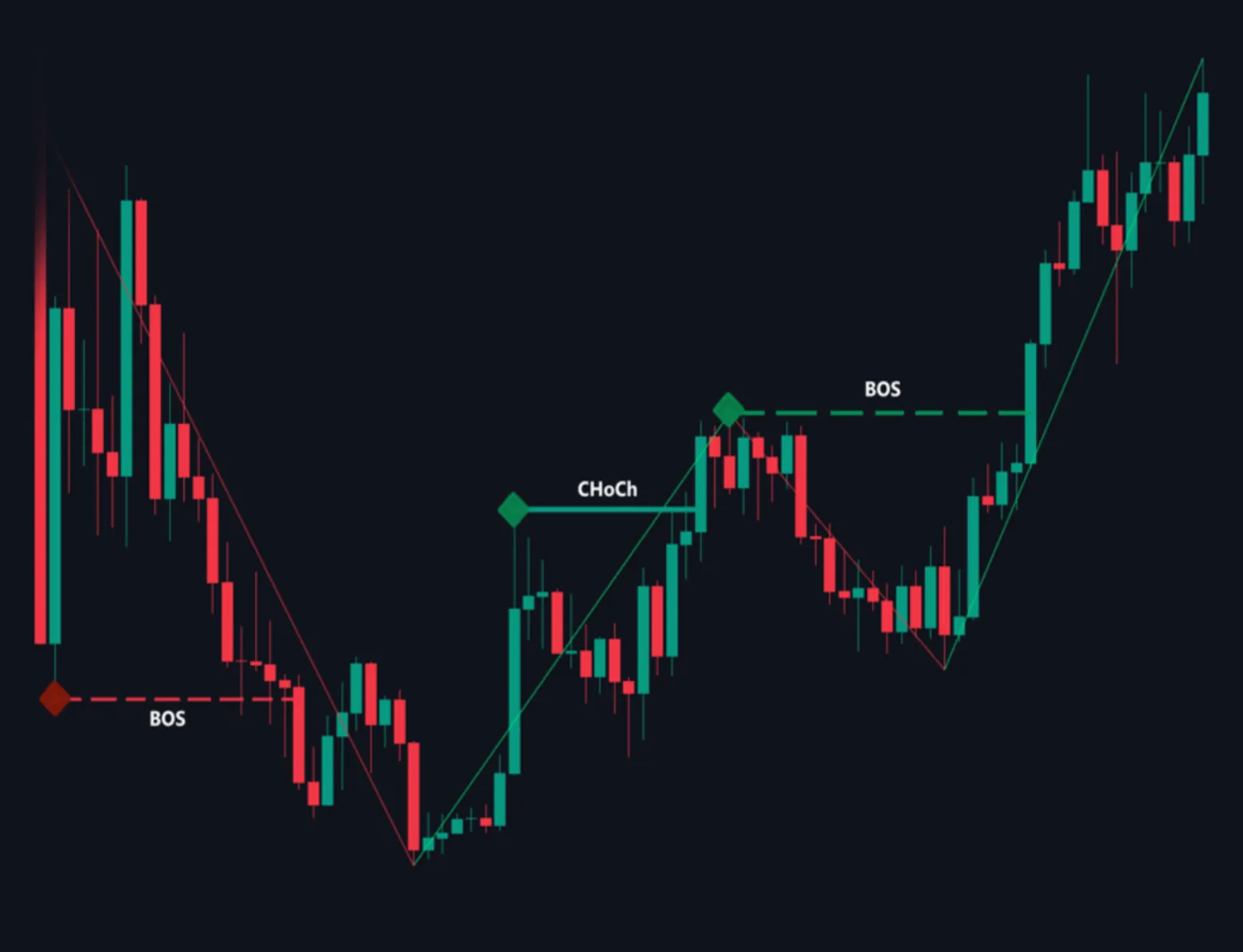
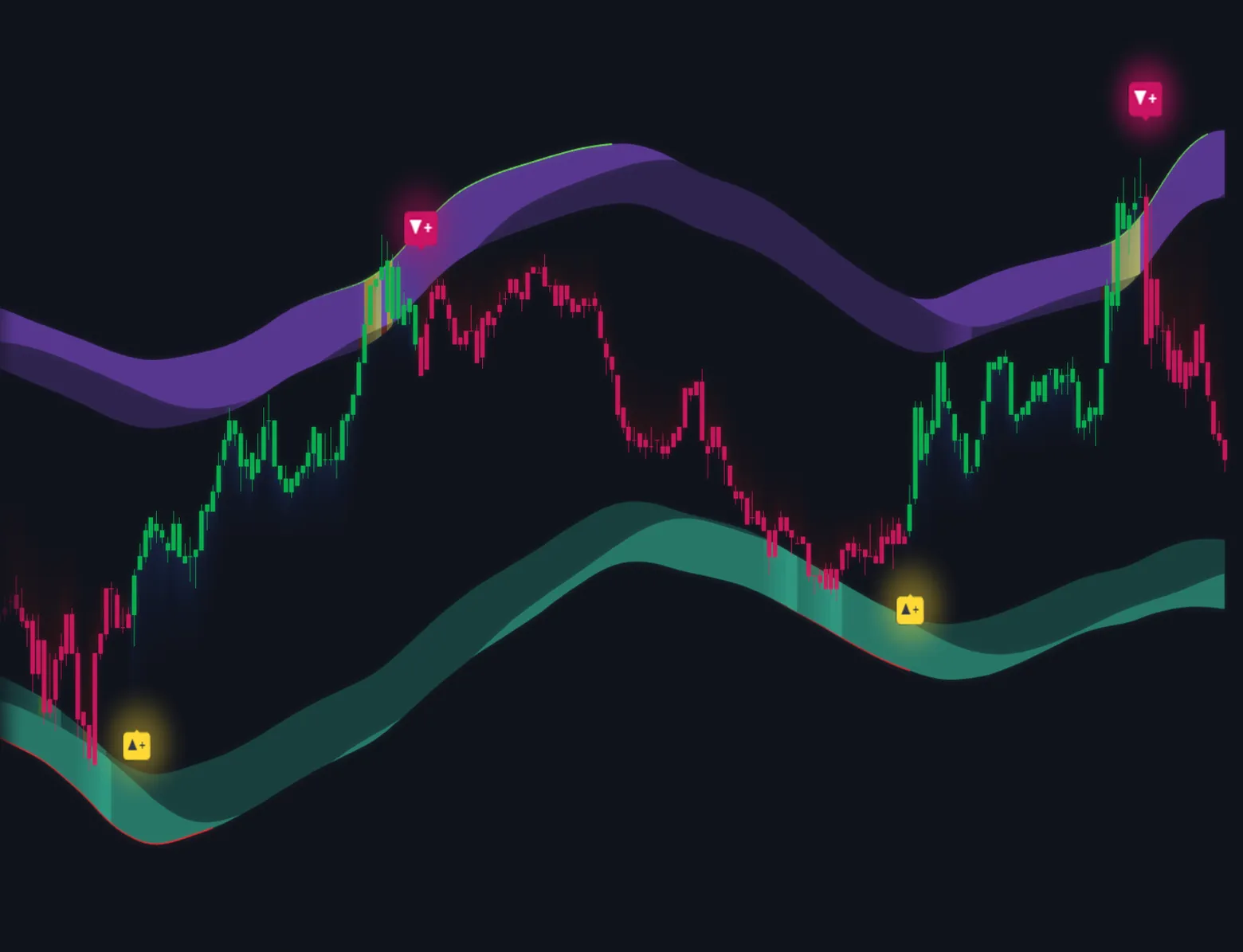
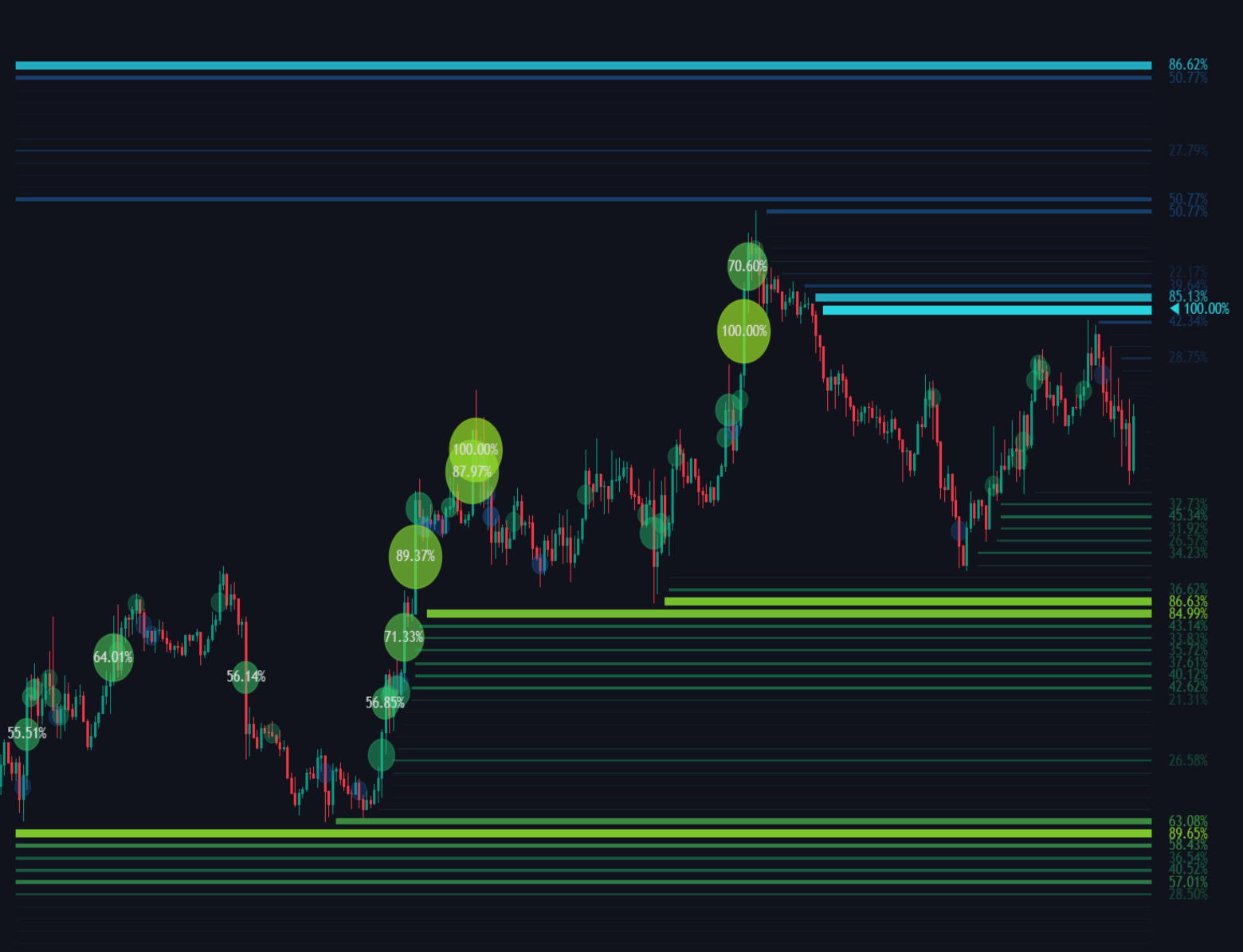
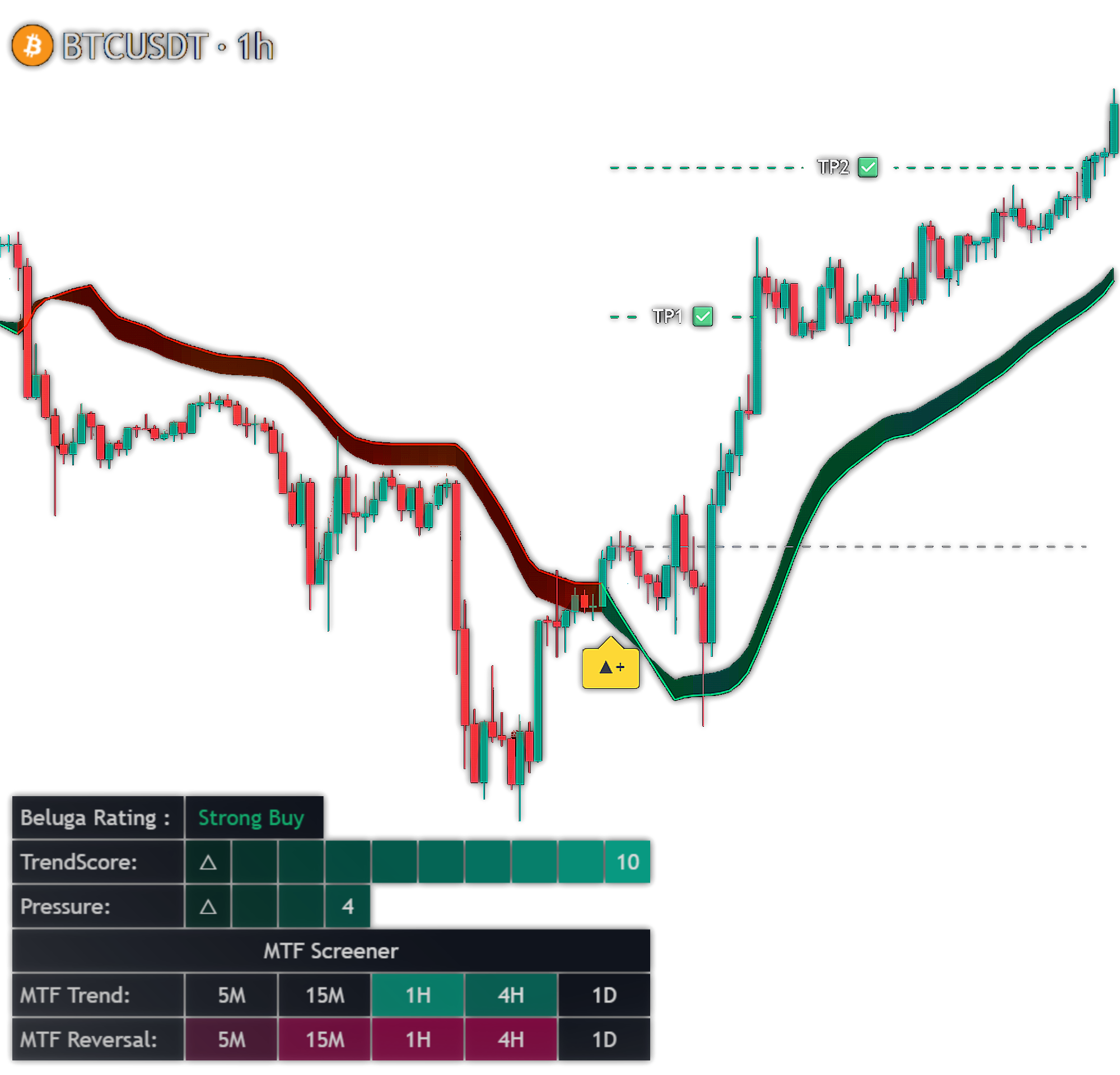
Supplied market structure illustration with price levels and a momentum oscillator

MARKET CONTEXT

Put price movement
into perspective.

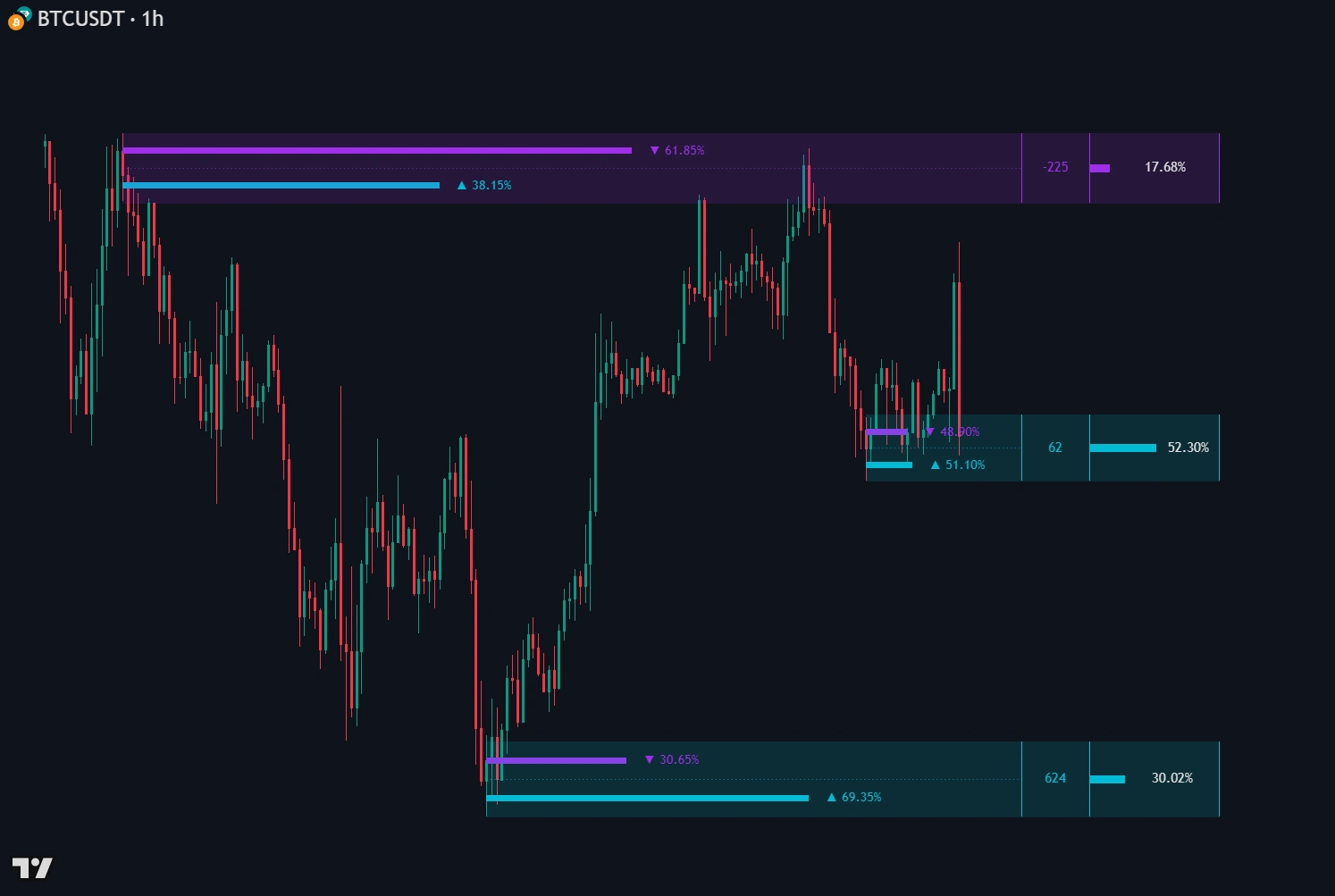
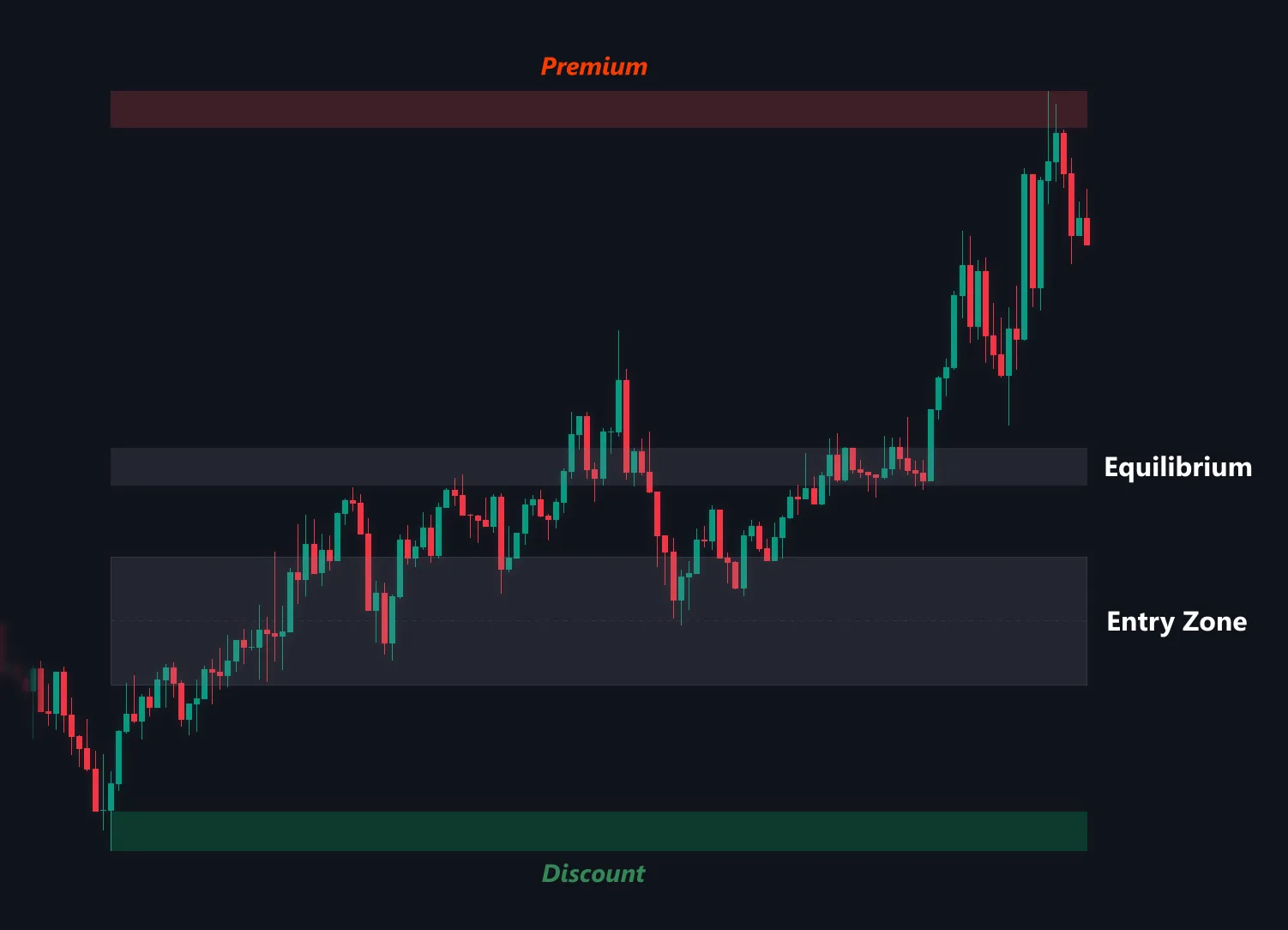
Study key price areas alongside the wider trend. Use the indicator’s dynamic support and resistance to help structure your own analysis.

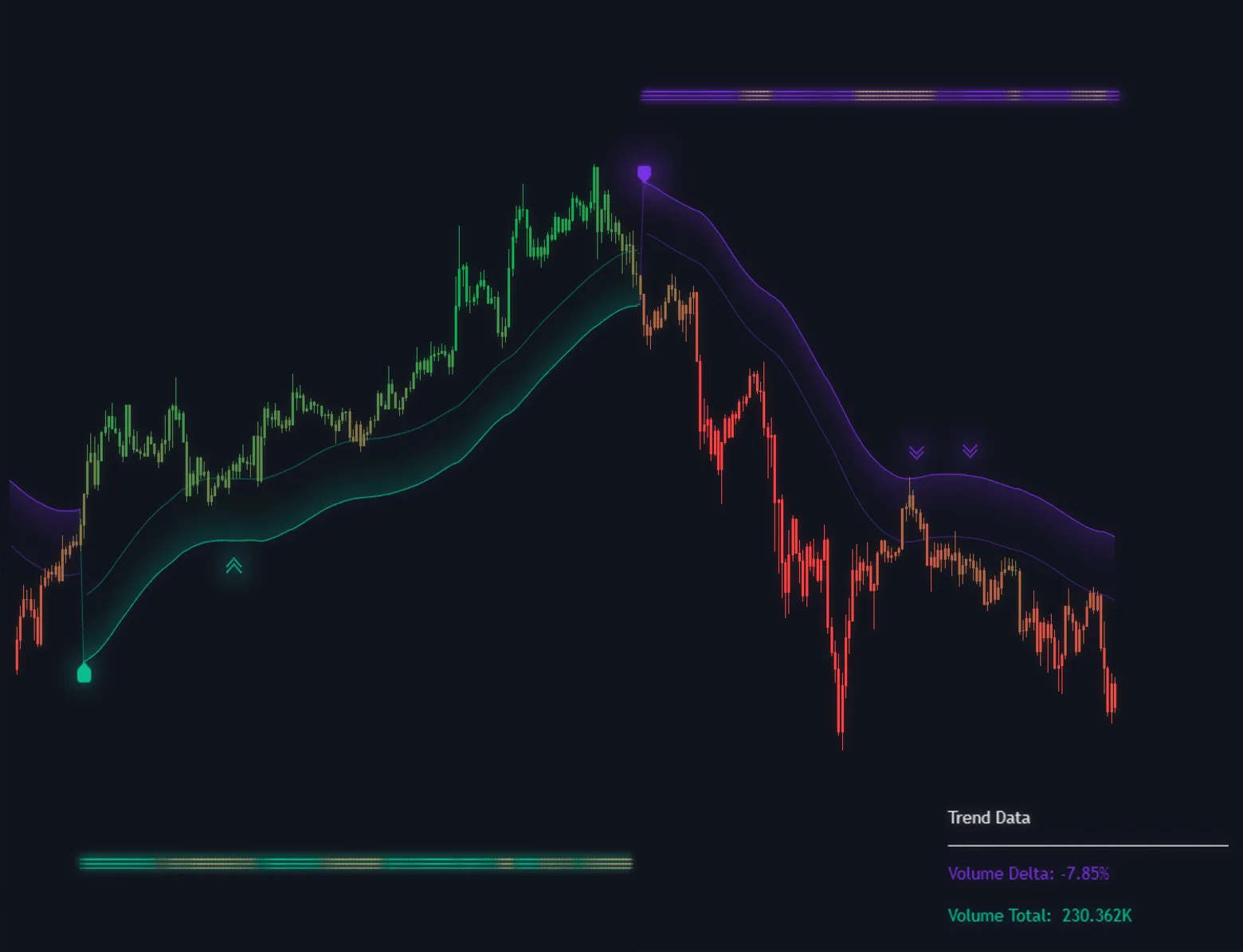
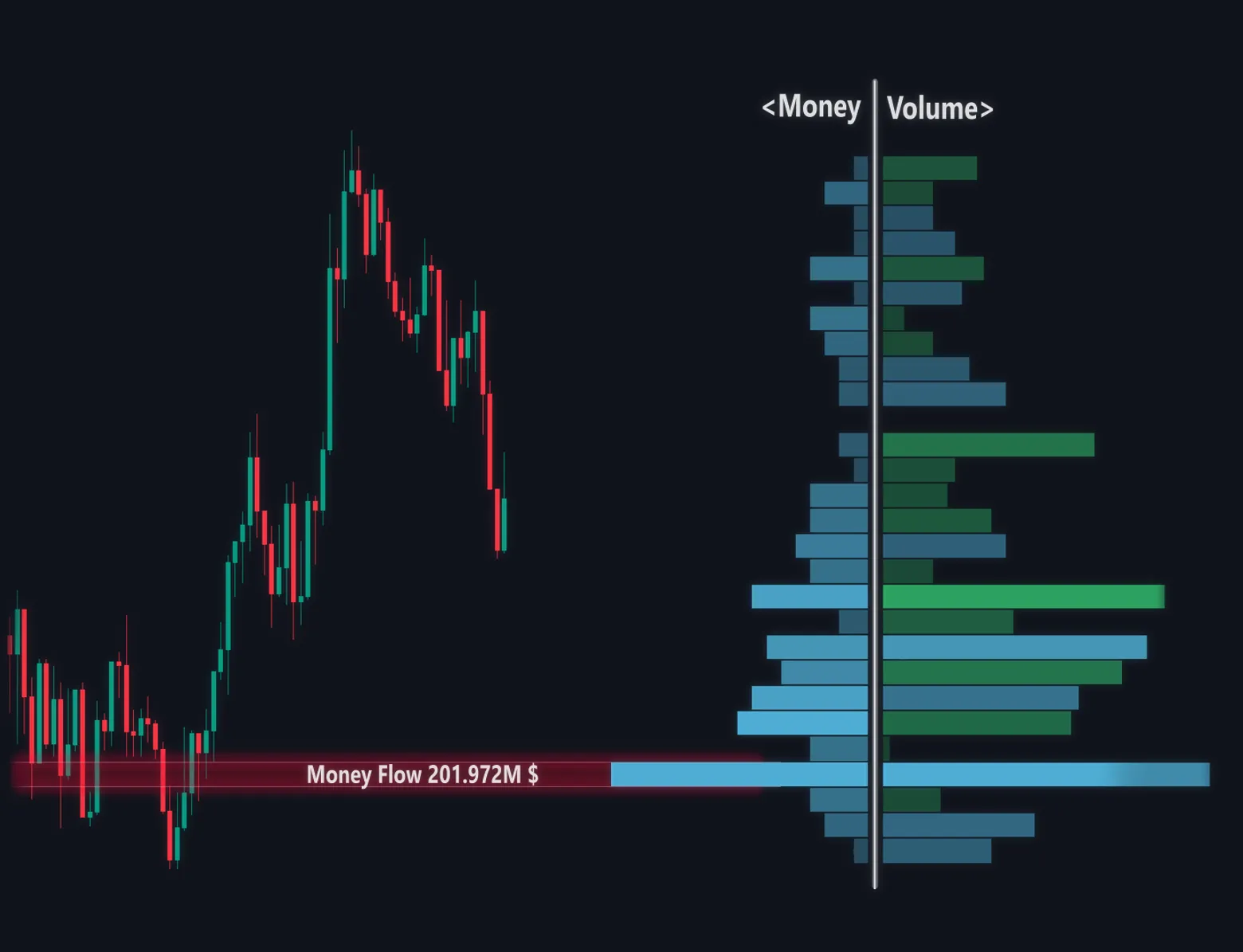
Supplied chart illustrations show example overlays; included features are listed below.

See what’s included

TradeStreamAI Reviews

What our customers are saying

TRADESTREAMAI · COLLECTION PREVIEW

A connected system.
14 tools to analyze, confirm, and execute.

Explore the supplied tool collection. Membership availability is awaiting confirmation.

WATCH IT WORK

Your chart. In motion.

Explore the original indicator recordings across four markets.

BTC/USD
Press play to watch the BTC/USD example

Recorded examples demonstrate chart behavior. They are not verified backtests or guaranteed future outcomes.

THE COMPLETE INDICATOR

Everything you need for a clearer view.

01

BUY & SELL Signals

Possible entry signals appear directly on the relevant chart candles, so you can see where a setup is developing.

02

Take Profit & Stop Loss

Keep structured TP and SL levels visible with the setup instead of guessing where the trade idea becomes invalid.

03

TradingView Alerts

Create alerts for new indicator events and receive them through the notification methods enabled in your TradingView account.

04

Trend Direction

Read the current bullish or bearish market direction without covering the chart in unrelated indicators.

05

Dynamic Key Levels

See important support and resistance areas update as market structure and volatility change.

06

Setup Instructions

Follow clear access and setup steps so you can add the indicator and configure alerts without unnecessary complexity.

MORE IN EVERY MEMBERSHIP

Your AI trading toolkit.
Already included.

Another way to study a chart, ask questions, and organize your risk. These separate TradeStreamAI tools are included with every plan.

AI Chart Analyzer

Upload any readable chart for a separate BUY, SELL, or WAIT assessment and structured trade plan.

Live Chart Analysis

Open one of 70 markets inside your workspace and analyze the TradingView chart currently on screen.

Chart Copilot

Ask questions about the current chart, risk, possible invalidation, or what conditions may still be missing.

Guardian & Risk Tools

Set personal trading limits, calculate possible position size, and keep your decision process organized.

SIMPLE TO GET STARTED

From access to your chart.

01

Choose your plan

Choose your access period and pay by card or crypto.

02

Verify your email

Use your checkout email to claim your access after payment.

03

Add it to TradingView

Follow the setup guide and configure your alerts.

ONE MEMBERSHIP. ALL THE TOOLS.

Your next step to chart clarity.

Choose your access period. Get the premium indicator and the complete TradeStreamAI toolkit.

Secure Whop checkout. No signup before paying.

1-Month Access
$49/ month

Renews monthly until canceled.

  • BUY/SELL indicator access
  • TP/SL levels and TradingView alerts
  • Setup instructions and indicator updates
  • Complete AI toolkit included
Buy with card

Pay first. Verify your email to get access.

12-Month Access
$349one time

Save $239. No automatic renewal.

  • BUY/SELL indicator access
  • TP/SL levels and TradingView alerts
  • Setup instructions and indicator updates
  • Complete AI toolkit included
Buy with card

Pay first. Verify your email to get access.

Safe and secure checkout

Whop card checkoutCrypto available

No broker connection. You stay in control of every trading decision.

A FEW MORE DETAILS

Frequently asked questions

Get to know your membership before joining.

What do I receive with my membership?+

Every plan unlocks the premium Dynamic Volatility Trend Detector on TradingView, including its available BUY/SELL signals, TP/SL levels, alerts, trend direction, and dynamic support and resistance. You also receive access to the TradeStreamAI chart-analysis and risk tools.

How do I access the indicator after purchase?+

Pay without signing up first. After payment, verify your checkout email on the access page, then open the indicator area in your Pro dashboard. From there, open the current TradingView indicator and select “Use on chart.” Setup instructions are included.

Can I receive alerts on my phone?+

The indicator supports TradingView alerts. Where those notifications arrive depends on the alert and notification options available and enabled in your own TradingView account.

Does it show take-profit and stop-loss levels?+

Yes. The indicator includes structured take-profit and stop-loss levels alongside its setups. These are analytical reference levels, not automatic orders, and you should independently verify them before trading.

Which markets can I use it on?+

You can add the indicator to TradingView charts across Forex, crypto, gold, indices, stocks, and commodities. Signal usefulness can vary by market, timeframe, volatility, liquidity, chart type, and settings.

Does the indicator guarantee winning trades?+

No tool can guarantee profitable trades. The indicator can produce false, late, or losing signals, and historical or recorded examples cannot predict future results. Test the behavior yourself and manage risk independently.

Can I cancel my subscription?+

Monthly and 6-month card subscriptions can be canceled and remain active through the paid period. The 12-month card option and all crypto purchases are one-time payments without automatic renewal.

A clearer chart starts here.

Your indicator. Your AI toolkit. One membership.

Get full access

Educational decision-support software. Trading involves substantial risk. No indicator or AI analysis guarantees future results.

Get indicator access